
AI workflow & media planning
Nexus Reels Director
AI-planned. Browser-built. Finished in Edits.
Nexus Reels Director turns a Reel idea into a structured build plan. Set the output, describe what you are making, load the media, hand the creative brief to your chosen AI, then import the returned build plan and render a clean sequence ready to finish in Edits or Reels.
Current app build: Nexus Edits Director
Workflow
1. Choose the output
Set the aspect ratio and output quality first, including vertical Reel / Story formats.
2. Set the creative direction
Describe what you are making and choose the sequence approach so the AI receives a useful brief instead of a vague request.
3. Load the media
Select the photos and video clips that will be available for the final sequence.
4. Send the brief to AI
Output settings, creative brief, sequence choice, media policy and music choice are packaged into one AI handoff.
5. Import the AI result
Bring the returned reel-build JSON back into the Director by file import or by pasting the AI result.
6. Render the sequence
Build a clean image/video sequence with cuts only, then add music and any final captions in Edits or Reels.
Media stays under your control. The Director sends the brief and instructions, not the photos and videos themselves. Media is uploaded by the user in the AI conversation when required.
Current interface
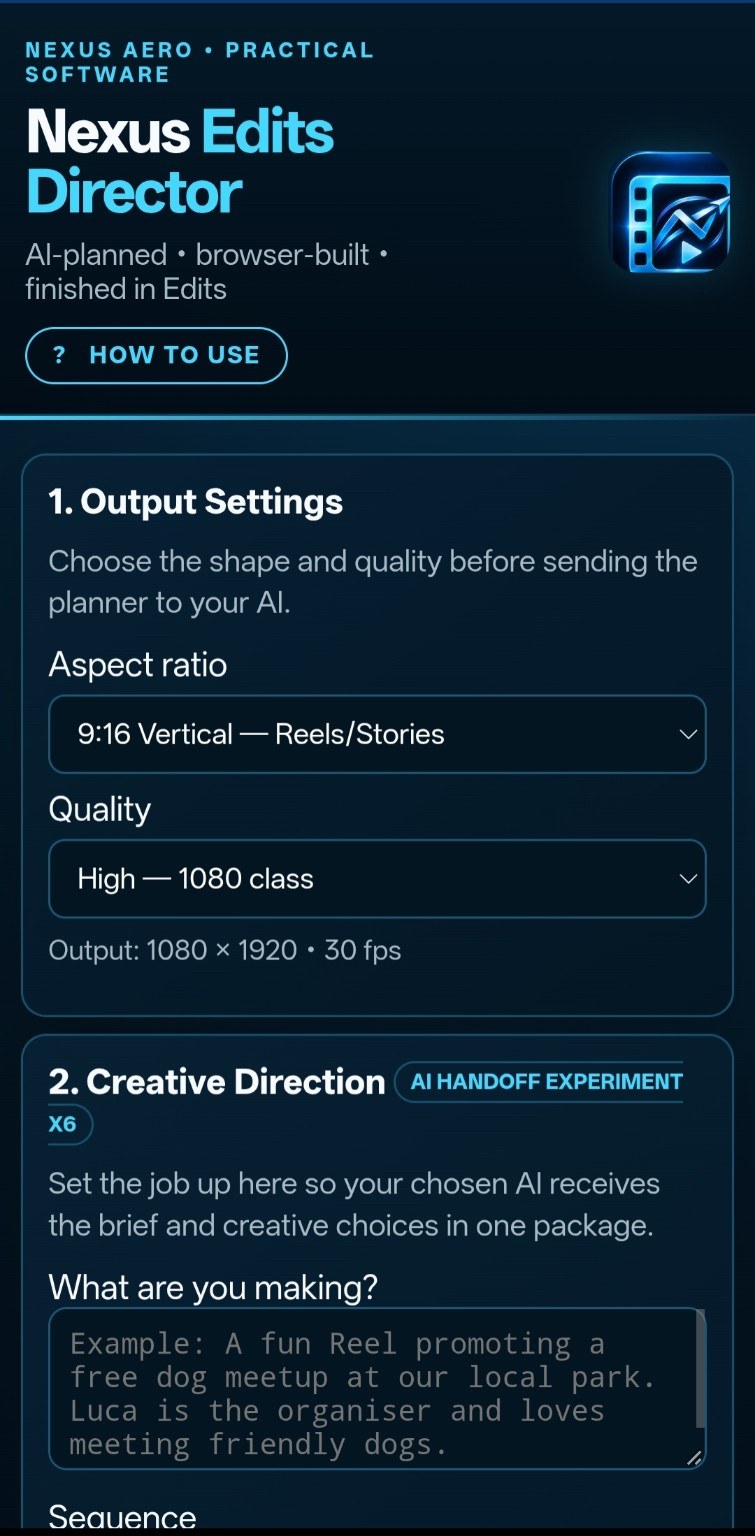
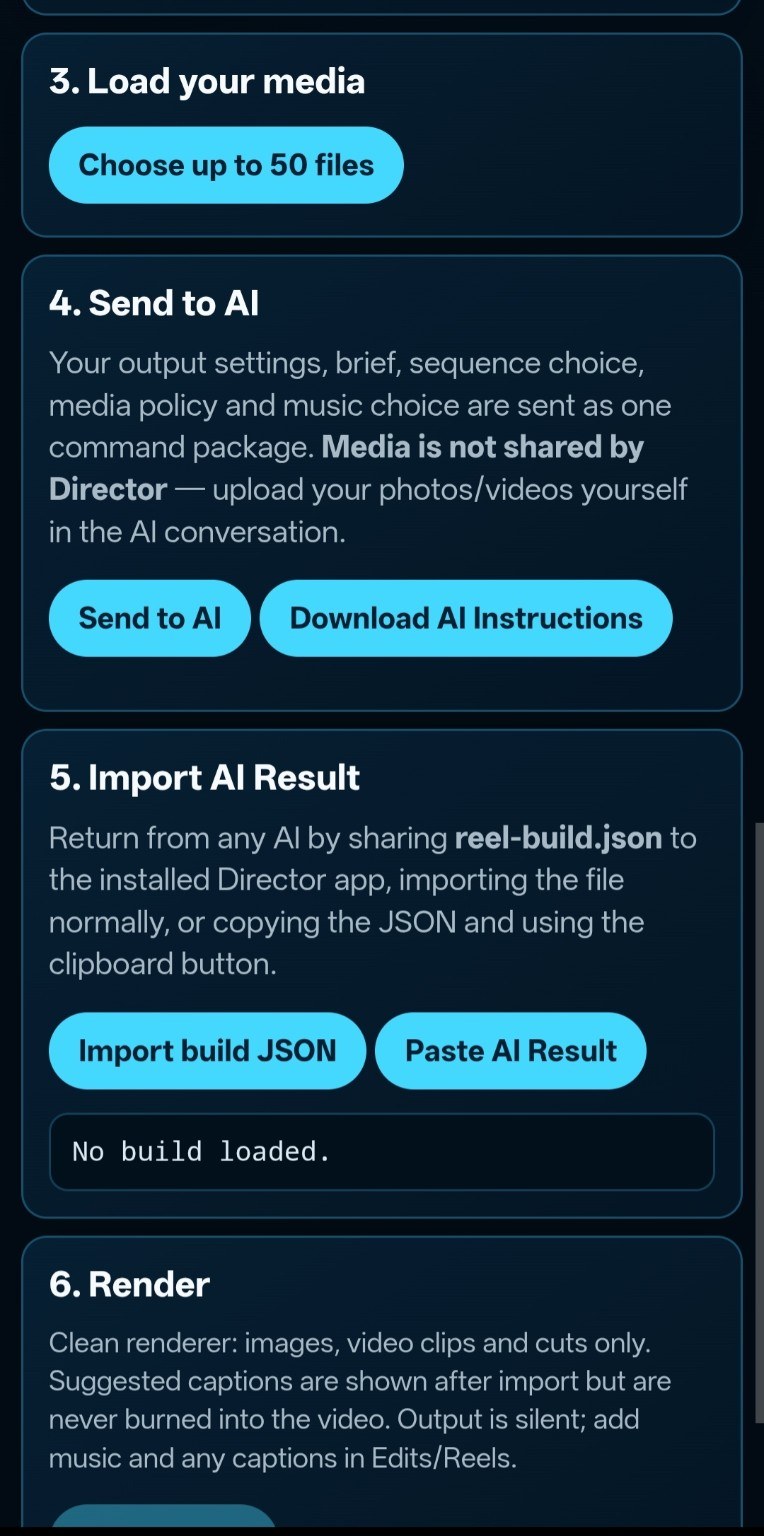
These screenshots show the current working Nexus Edits Director build that underpins the Reels Director workflow.
Why split the work?
The Director deliberately separates creative planning from final editing. AI is used to help decide sequence and structure, while the browser handles the repeatable build instructions. Final polish stays in a familiar editor instead of trying to turn one experimental tool into an entire video-production suite.